Edit a post #
If you’ve made a mistake in a blog post, you can go back to the editor and fix errors in a post even after it’s been published.
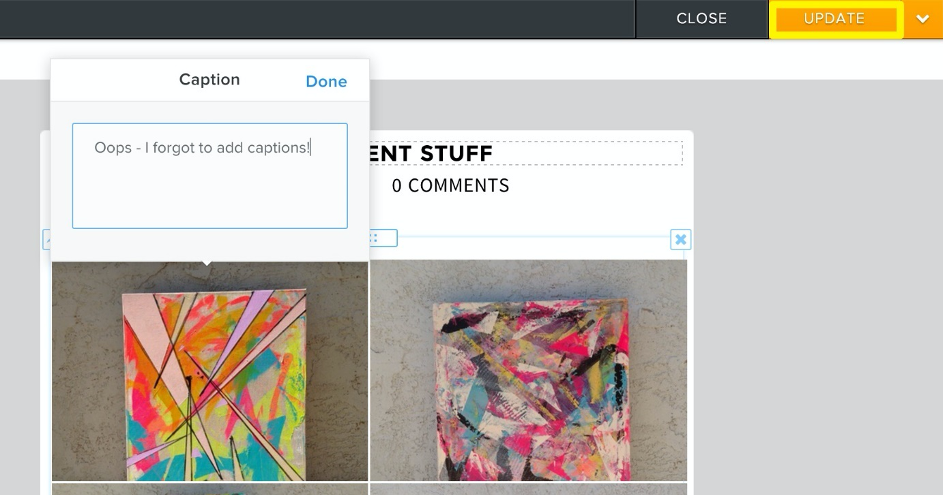
Go to the post you want to change and click on it – you can click anywhere on a post to open it for editing. Make your changes, then click the Update button.
Delete a post #
If you want to delete the entire post? No problem – click on the post to open it for editing, then click on the arrow next to the refresh button to delete the post.
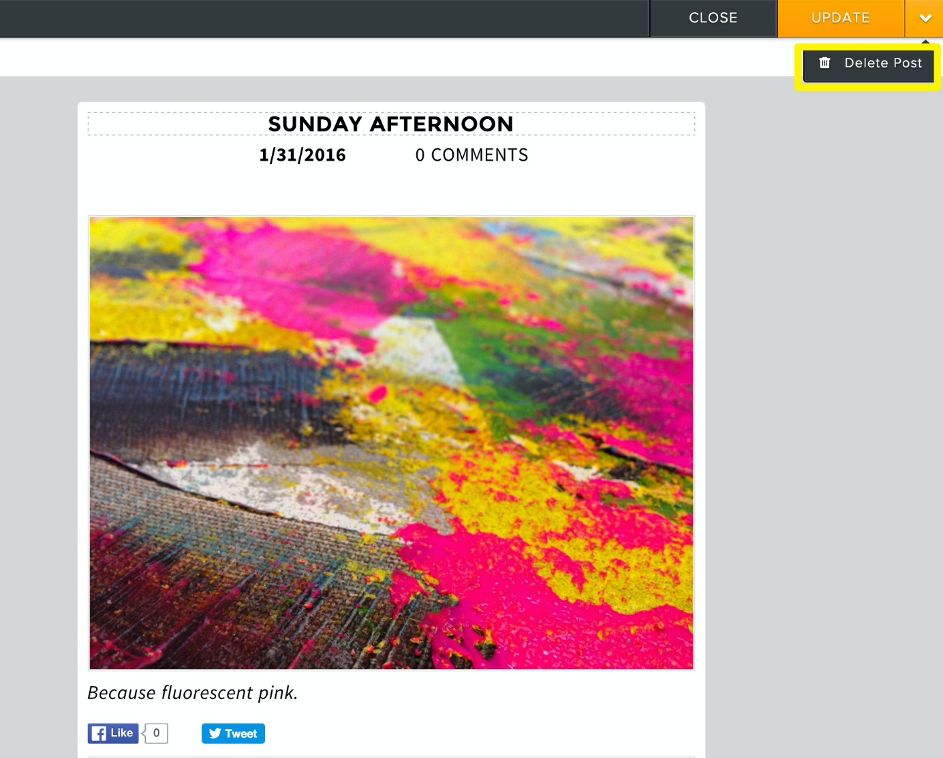
You’ll be asked to confirm that you really want to delete the post, so be careful as deleted posts can’t be recovered. If you are sure, go ahead and confirm to delete the post permanently.


